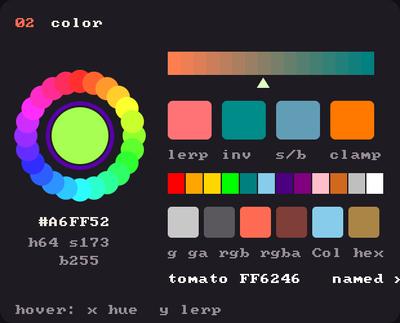
Showcase panel 02:fill, stroke and tint, HSB, hex, named colours.
Try it live: run uv run python examples/showcase.py, then hover panel 02, or see the showcase.
kiln.Color holds red, green, blue and alpha, each from 0 to 255. Anywhere you could give fill, stroke, tint or background three numbers, you can give a Color.
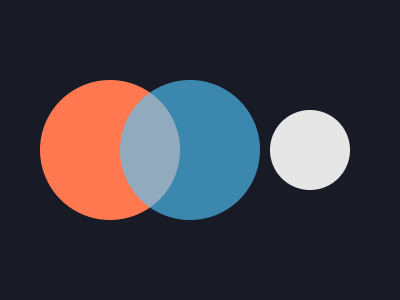
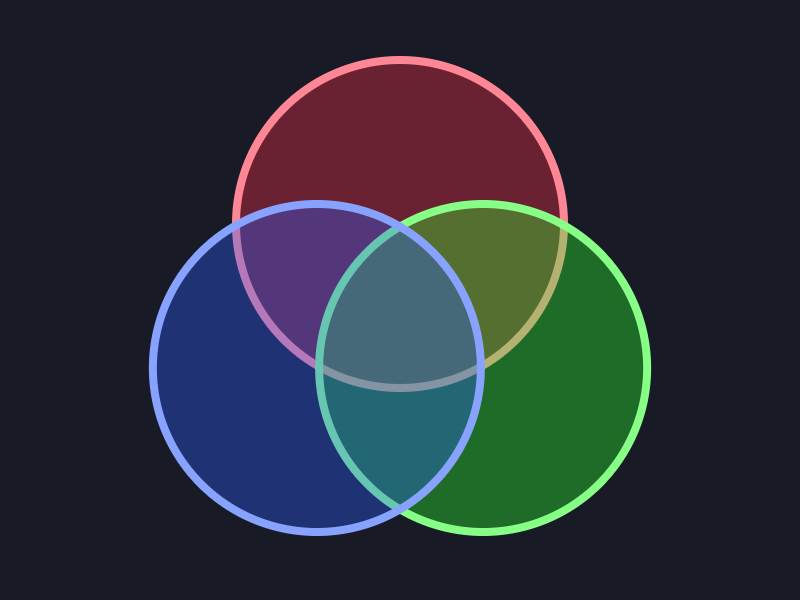
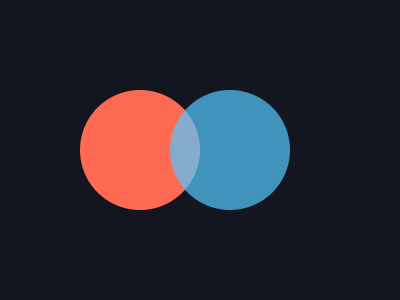
A shape can have two colours: fill fills it and stroke outlines it. Each takes any colour form, alpha included, so a see-through fill can keep a crisp, solid edge. stroke(None) drops the outline again, and fill(None) the fill. Pictures, Fbos and meshes have no fill or stroke: they take the third colour, tint.
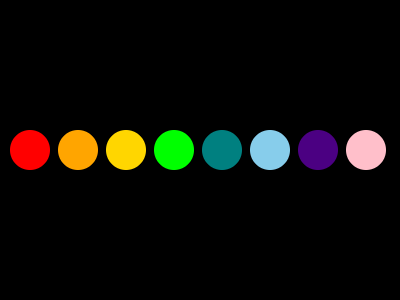
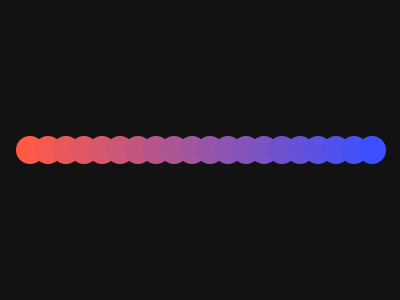
The usual suspects are class attributes: Color.WHITE, Color.RED, Color.ORANGE, Color.TEAL, Color.SKY_BLUE, and twenty-five more (30 in all). fill("teal") takes the names as strings too.
import kilnfrom kiln import Colornames = ["RED", "ORANGE", "GOLD", "LIME", "TEAL", "SKY_BLUE", "INDIGO", "PINK"]def draw(): kiln.background(Color.BLACK)for i, name inenumerate(names): kiln.fill(getattr(Color, name)) kiln.circle(30+ i *48, 150, 20)show(draw)
Hue, saturation, brightness
HSB makes rainbows easy: change the hue and nothing else. Kiln’s hue runs 0 to 255 around the wheel.
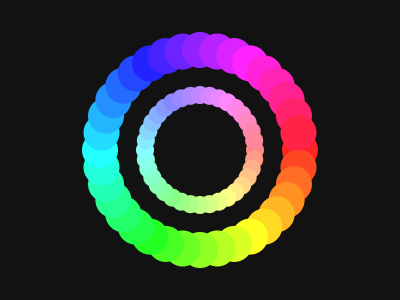
A colour wheel that turns, each ring a slightly different hue, brightness fading toward the middle.
import mathimport kilnfrom kiln import Colorclass Wheel(kiln.App):def setup(self):self.t =0.0def update(self):self.t +=0.04def draw(self): kiln.background(Color.from_hex(0x10121C))for ring inrange(6):for i inrange(24): a = i /24* math.tau +self.t * (1if ring %2else-1) r =25+ ring *22 hue = (i /24*255+ ring *30+self.t *40) %255 kiln.fill(Color.from_hsb(hue, 200, 120+ ring *27)) kiln.circle(200+ r * math.cos(a), 150+ r * math.sin(a), 5+ ring)show_video(Wheel(), frames=90, fps=30)